
✓ Never lose your files
✓ Works on computers, mobiles and tablets
✓ Green data centres in Scandinavia
✓ Works on computers, mobiles and tablets
✓ Green data centres in Scandinavia
Get started
👉 Get Onlime for free with 5GB of cloud space and access to all features.
Need more space? 😎 See our subscriptions here.
Need more space? 😎 See our subscriptions here.


✓ Use on all your devices ✓ Free access to Word, Excel and Powerpoint in the cloud ✓ Free Danish live support
About Onlime
We don't harvest your data - and we don't monetise it.
Harvesting and utilising your data is not part of our business model. We concentrate solely on developing and operating our service that you can use to store your files.
About Onlime
Find your memories, in your own words: New intelligent image search in Onlime
Our new intelligent image search lets you find exactly the image you're looking for. This is possible because our proprietary and private AI-based image search can decode the content in images and compare it to your search. Already have an account? 👉
About Onlime
We are an independent and local service
The internet is free and diverse - that's good.
But many of the services and apps we Danes use come from faraway places and this can have many negative consequences.
Features
One app. Many features for everything and everyone.










FAQ about the Backup programme
What is a backup programme?
A backup programme is the tool you need on your computer if you want to secure your digital files from being lost if your computer fails one day. By having backed up your files, you can restore them to the way they were before, which in many cases can save hours of frustration over lost data and hours of work.
The programme is installed on computers and used to select the folders and files to be backed up. After this, the backup is automatic and continuous, so the files are always secured and updated should a change be made to a file.
The backup programme that you get access to here at Onlime runs automatically in the background while you can continue working on your computer.
Why use a backup programme?
Today, computers are an integral part of most Danes' homes and consciousness. Many people use computers for work or study, which means many hours are spent in front of the screen.
The result of many hours at the computer are documents, images and other file types and projects that would be disastrous to lose. And not only are your files valuable in terms of dollars and cents in relation to working hours, they can also have great sentimental value for the individual.
If you have your photos from cameras and phones collected on your computer, it holds enormous personal value. The images are digital and unless they have been developed, they cannot be recreated once the computer crashes or is stolen. If your home catches fire, it's not just your physical possessions that go up in smoke - your digital ones do too.
Unless you have a backup.
Think of backup as insurance for your digital life and belongings. Insurance can cover you financially, but since digital property can't be insured financially, you need to have a backup to protect against data loss.
Backup phone & tablets
With Onlime on phones and tablets, you can also backup mobile devices.
Your images secured and in one place with one backup programme. Smartphone, tablet and computer.
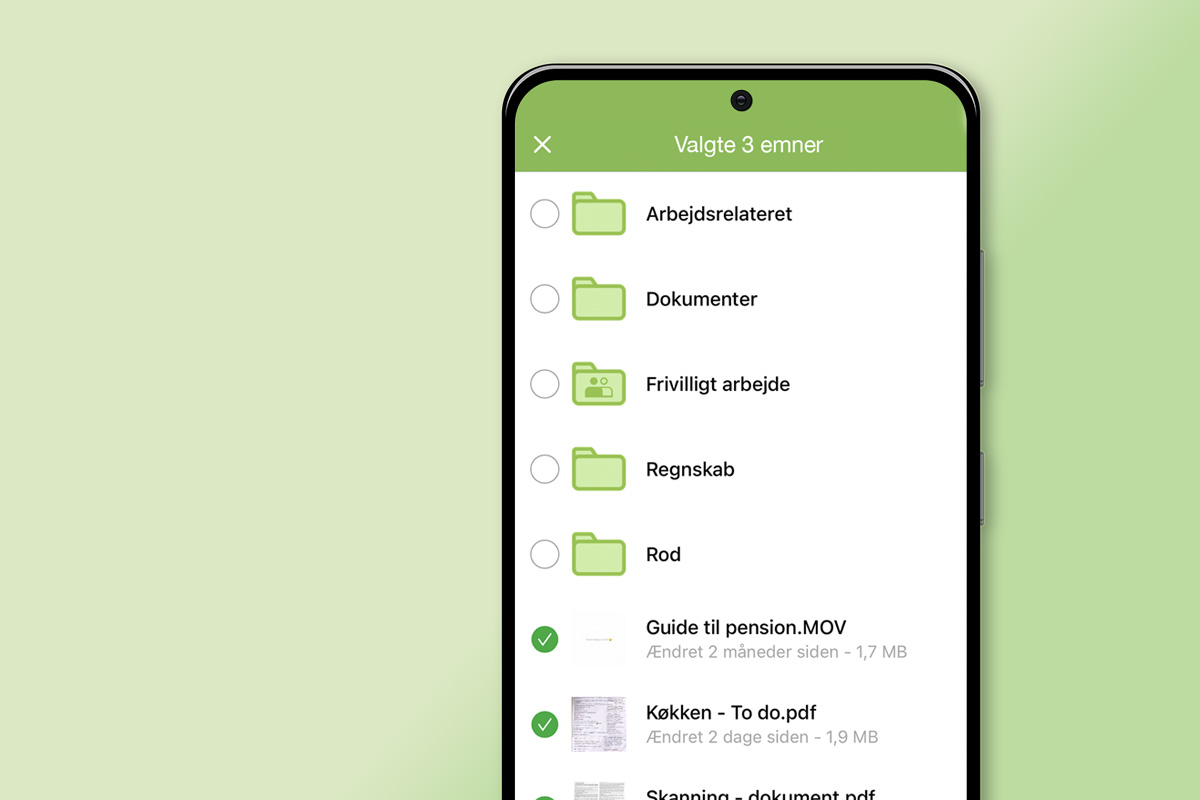
Just open the Onlime app for Android and iOS and your photos and videos are uploaded to the cloud alongside any computer backups you may have. It's a one-way sync, so once your photos are synced to the cloud, you can delete them on your phone to save space.
Any files you may have synced between computers using the Onlime sync folder can also be accessed via your iPhone, iPad and Android device. You can also put files in the sync folder.
Is backup safe?
Backing up files between your devices and the cloud is done with AES 256-bit encryption. This is the industry standard and the form of encryption that is also used in the military, for example.
Practically speaking, this means that it is impossible for unauthorised parties to intercept what you synchronise between your computers, as all files that are sent are encrypted along the way. All content synchronised in the cloud is also stored encrypted.
Manual backup
There are many programmes that enable you to back up your files and place the backed up files in a different location than the original. In most cases, you want the backed up files to be placed on external media in case something happens to your computer. This could be an external hard drive, a USB stick or a CD.
However, this is an outdated method and newer alternative methods of backing up today are far more secure and flexible.
If you're still backing up to your external hard drive, consider the benefits of switching to an online backup instead.
Automatic backup
Unless you already have a regular rhythm and habit of backing up your files manually to external media, it can be difficult to get it done. That's why it's a great advantage if your backup programme can automatically monitor your folders and backup for you.
If you back up to external media, there will almost always be some kind of manual work and the risk of forgetting the daily backup is high.
If you have a fast fibre connection, it's even faster to back up your files in the cloud. In many cases, it can be faster than manually backing up to an external media, even if it's connected to your computer by cable.
If you have your backup with Onlime, your data is secured in Norway. This gives you additional speeds when sending files to the cloud because the geographical distance from your computer here in Denmark to Norway is not far. This is not the case if you use an American service like Dropbox or Idrive.
And of course, backup is fully automatic.
Is there a difference between backup methods?
Yes, there are. One of the differences lies in where the backup is physically stored, which has a direct impact on how secure it is. A digital backup can be stored on different media such as an external hard drive, USB stick, CD/DVD and of course in the cloud.
Old ways of securing your data are local media such as external hard drives etc. but with new ways of backing up, the difference and security is so much greater that the old ways are no longer worth it. Online backup prices are so low that you can get unlimited space for the same price as an external hard drive.
Should I make a backup?
A backup can prevent you from losing your documents, images and files on your computer if something happens to it. If your computer has an accident, is stolen or otherwise disabled and you can't access your files on your computer, you can restore them from a backup.
Backups should be seen as a form of insurance for your data and files, which is why you should have them. If you don't have it, you can't restore your files if necessary.
 Dansk
Dansk English (UK)
 Français
 Deutsch
 Norsk bokmål
 Polski
 Español
 Svenska
 Suomi
Suomi