Included with a free account
- Office Online: Word, Excel and PowerPoint
- Sharing and live collaboration
- Sync across all your devices
- Photos and automatic backup
Download Onlime for Windows, Mac, iOS, and Android.
Create, edit and share your documents online. You do not need a Microsoft 365 subscription for private use.
5 GB free · No credit card · No commitment
Drag your documents in and open them straight away. Nothing to install.
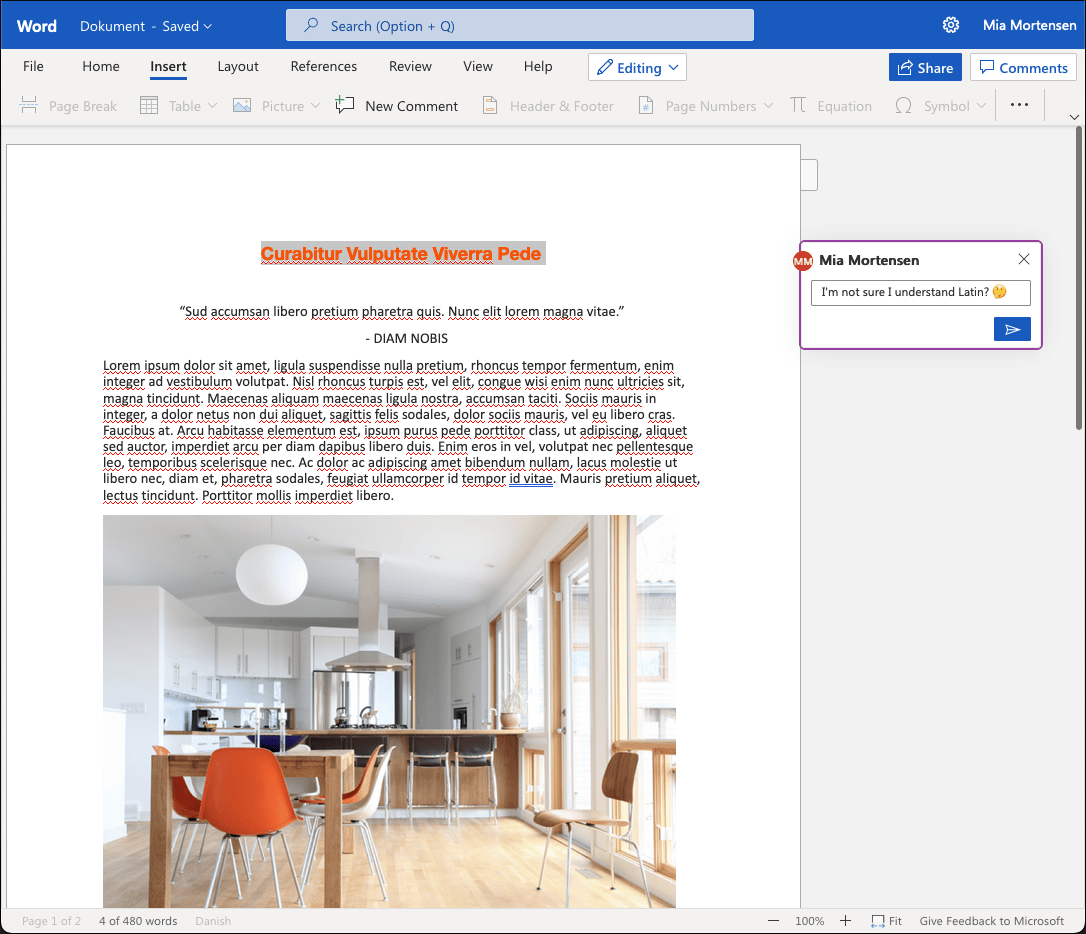
Write and share Word documents in the browser, and work on them live with other Onlime users.
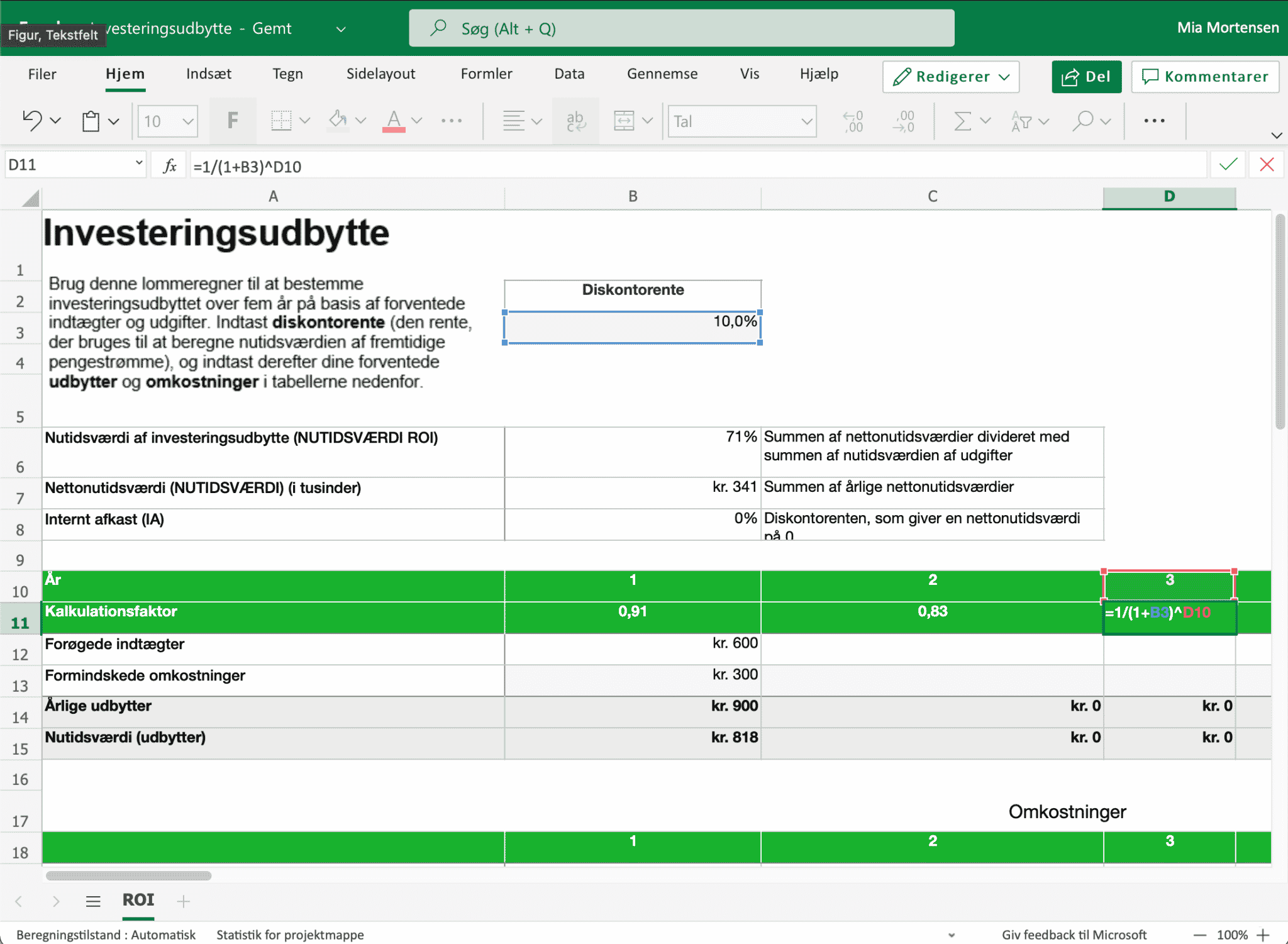
Build anything from a quick budget to a large spreadsheet. Save it to your computer or export it as a PDF.
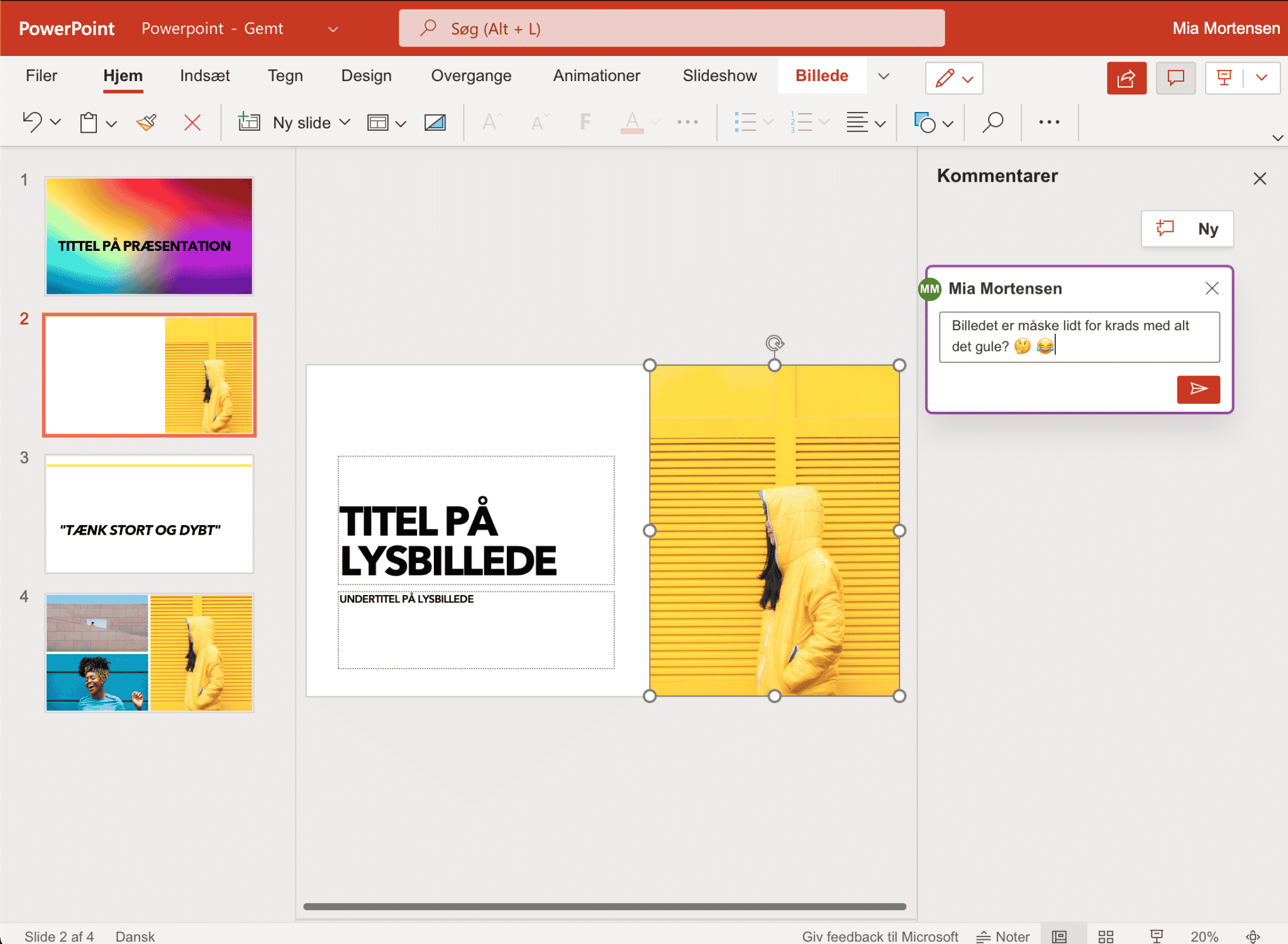
Build and present slides straight from the browser. No download needed.
It takes under a minute.
Go to cloud.onlime.dk and sign in. Nothing to install.
Work in Word, Excel and PowerPoint right in the browser.
No credit card and no commitment.
Deleted a file by mistake? Restore it within 30 days.
Drag your existing documents in and open them with Office Online.
Use it on your computer, tablet and phone.
Yes. Drag and drop your documents into Onlime in the browser, then open, edit and share them with Office Online.
Yes. You can restore deleted documents for up to 30 days.
A free Onlime account gives you 5 GB of storage and access to Office Online: Word, Excel and PowerPoint in your browser. You can buy more storage when you need it.
Office Online is free for private use. Businesses need their own Microsoft licence.
Onlime is integrated with Office Online. You sign in at cloud.onlime.dk in your browser and create, edit and share Office documents there.
Yes. Open your browser and sign in to Onlime, and you have Office Online on all your devices.
Your files are currently stored at Green Mountain in Stavanger, Norway (EEA). Your files are stored in Norway or in a country with equal or stricter data-protection law.
You get Word, Excel and PowerPoint in your browser. Onlime ApS is a Danish company and a European cloud-storage provider.
Onlime.app sets no cookies before your yes. The chat could not open. The chat is on.
The chat needs 3 of them to work. Is that OK? Try again, or send us an email. You can turn it off again.
Read more about our cookie policy.